

- IPTV delivers TV channels through a private, managed IP network — giving you live TV, EPG guides, and catch-up on a dedicated stream.
- OTT (Over-The-Top) rides the open public internet and is what subscription video platforms use to push on-demand content to your device.
- IPTV typically offers far more live channels (25,000+ from a full-service provider) than any single OTT platform.
- OTT services lock you into their own content library; IPTV gives you access to channels from 150+ countries in one subscription.
- A quality IPTV service costs as little as $4–$5 per month on a longer plan — cheaper than most OTT subscriptions individually.
- Both technologies can run on the same devices (Firestick, Smart TV, phone), but IPTV requires a compatible player app like IPTV Smarters Pro or TiviMate.
IPTV vs OTT: The Core Technical Difference
IPTV and OTT both use the internet to get video onto your screen, but they do it in completely different ways — and that difference shapes everything from picture quality to channel selection. Understanding it isn't just a tech exercise. It directly affects what you can watch, how reliably you can watch it, and what you pay every month.
IPTV stands for Internet Protocol Television. A provider manages a private or semi-private network, controls the stream from source to your device, and delivers live channels in real time with a structured EPG (electronic programme guide). The signal path is tighter. The provider can apply anti-freeze technology, control bitrates, and prioritise live content. That's why a well-run iptv subscription can sustain 4K streams on a busy evening when a public-internet service stutters.
OTT — Over-The-Top — means the video travels over the standard public internet, on top of whatever broadband connection you already have. The provider has no control over the network between their servers and your router. Congestion at any point in that chain affects your stream. OTT works brilliantly for on-demand content where a two-second buffer is invisible. For live sport or live news, that same two-second lag becomes obvious fast.
| Feature | IPTV | OTT |
|---|---|---|
| Network type | Managed / private IP network | Open public internet |
| Primary strength | Live TV, sports, global channels | On-demand libraries, original series |
| Channel count | Thousands (25,000+ with IPTV LEX) | Limited to platform's own catalogue |
| EPG / catch-up | Yes, built in | Varies by platform |
| Monthly cost | From ~$4/month (annual plan) | Typically $8–$18+ per platform |
| Multi-country access | Yes — 150+ countries in one plan | Geo-restricted by platform |
How Live TV Delivery Actually Works on Each System
Here's a question worth sitting with: if you're watching a live match or a breaking news broadcast, does it matter how the signal gets to your TV? It absolutely does. The delivery method determines whether you see the action in real time or with a delay you didn't ask for.
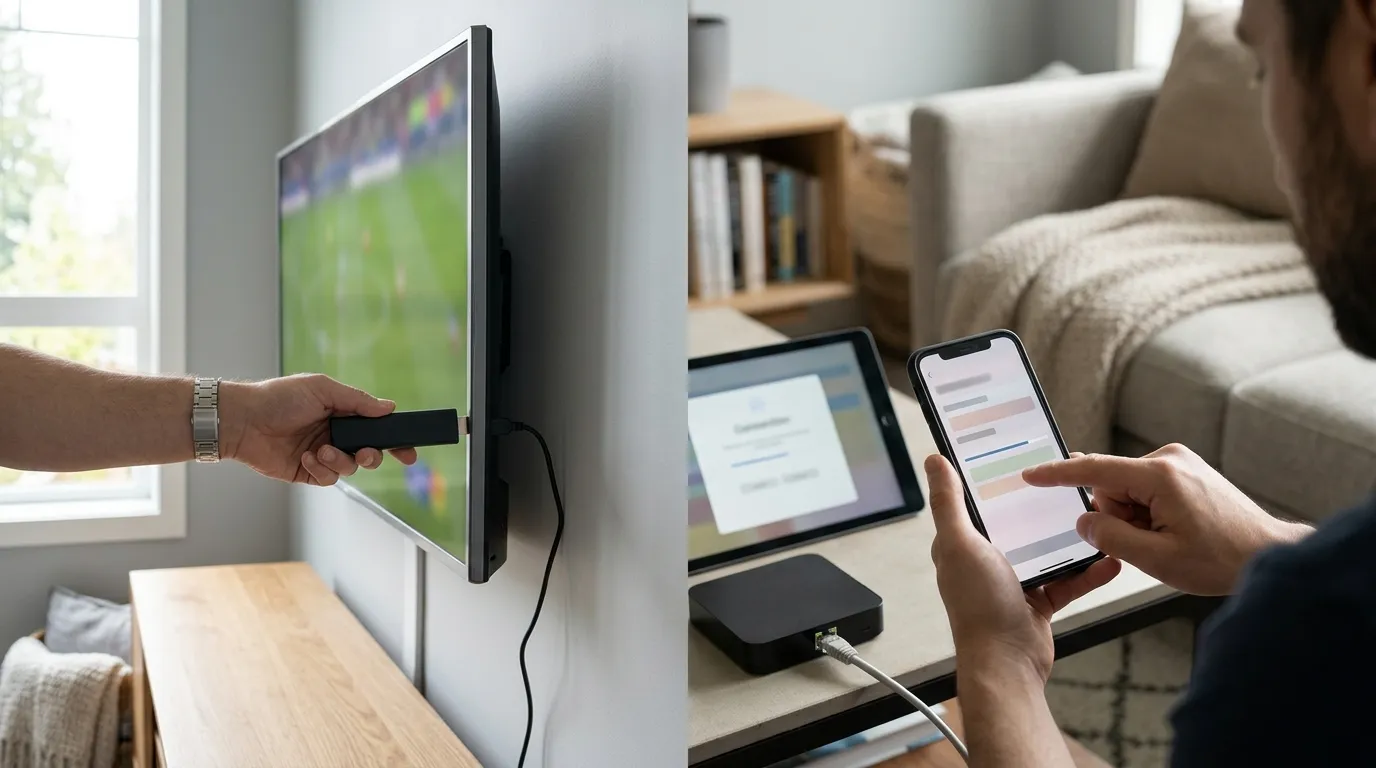
With IPTV, the provider ingests a live broadcast signal, encodes it, and pushes it through their network to your player. Because the path is controlled, latency stays low — typically under five seconds from broadcast. The provider can also implement redundant server clusters so that if one node goes down, the stream switches automatically. This is what people mean when they talk about anti-freeze servers. It's not magic; it's infrastructure management.
OTT platforms handle live content through something called adaptive bitrate streaming (ABR). Your device constantly measures your connection speed and adjusts the video quality up or down. That's smart engineering for on-demand viewing. For live content, though, ABR introduces buffering delays and quality dips at exactly the moments you don't want them — peak hours, big events, shared Wi-Fi.
I made the mistake of relying on a pure OTT service for a live international rugby broadcast a few years back. Forty minutes in, on the most important play of the game, the stream dropped to a blurry mess and then froze for eleven seconds. Eleven. I counted. Switched to IPTV after that and haven't looked back.
For anyone setting up their first IPTV stream, the iptv setup guide at IPTV LEX covers the exact player settings — buffer size, stream type, hardware decoding — that keep live streams clean even on a modest broadband connection.
Channel Libraries: 25,000 Channels vs a Curated Catalogue
This is where IPTV and OTT diverge most dramatically. OTT platforms curate. They license a specific library of films, series, and sometimes live channels, and that's what you get. The library is controlled, consistent, and often excellent — but it's finite and geographically restricted.
IPTV aggregates. A full-service provider pulls in live channels from across the globe — news, sport, entertainment, kids, documentary, regional — and delivers them all through a single subscription. IPTV LEX carries 25,000+ live channels from 150+ countries alongside 60,000+ movies and series on demand. That's not a curated catalogue. That's a full broadcast ecosystem.
What does that mean practically? Say you're an expat in Australia who wants to follow channels from your home country in Europe or the Middle East. An OTT platform built for Australian audiences won't carry those. An IPTV service with global channel coverage will. Same logic applies to anyone in the UK wanting US sports channels, or a Canadian household with mixed language preferences.
The VOD library matters too. With 60,000+ films and series available on demand through a single iptv subscription, there's no need to juggle three or four separate platform logins. Everything — live and on-demand — sits inside one app.
Device Compatibility: Where You Can Watch
One common misconception: IPTV requires special hardware. It doesn't. The device list for a modern IPTV service is essentially the same as for any OTT platform — and in some cases longer.
IPTV LEX works across:
- Amazon Firestick and Fire TV
- Android TV boxes and NVIDIA Shield
- Samsung and LG Smart TVs
- Apple TV, iPhone, and iPad
- Android phones and tablets
- Windows and Mac computers
- MAG boxes and Enigma2 receivers
The one thing IPTV needs that OTT doesn't is a compatible player app. IPTV Smarters Pro and TiviMate are the two most widely used. TiviMate in particular is worth paying the small one-off fee for — the EPG layout is clean, the catch-up function is reliable, and the buffer settings are easy to tune. Set hardware decoding to ON in TiviMate's player settings. It cuts CPU load significantly on Firestick and older Android boxes.
For households running multiple screens simultaneously, multi device iptv plans let you connect two, three, four, or five devices under one account — all watching different channels at the same time. That's a meaningful difference from OTT platforms that count simultaneous streams and charge extra for each screen.
Pricing: What You Actually Pay Per Month
Let's be direct about cost, because this is where IPTV wins the comparison on paper — if you do the arithmetic.
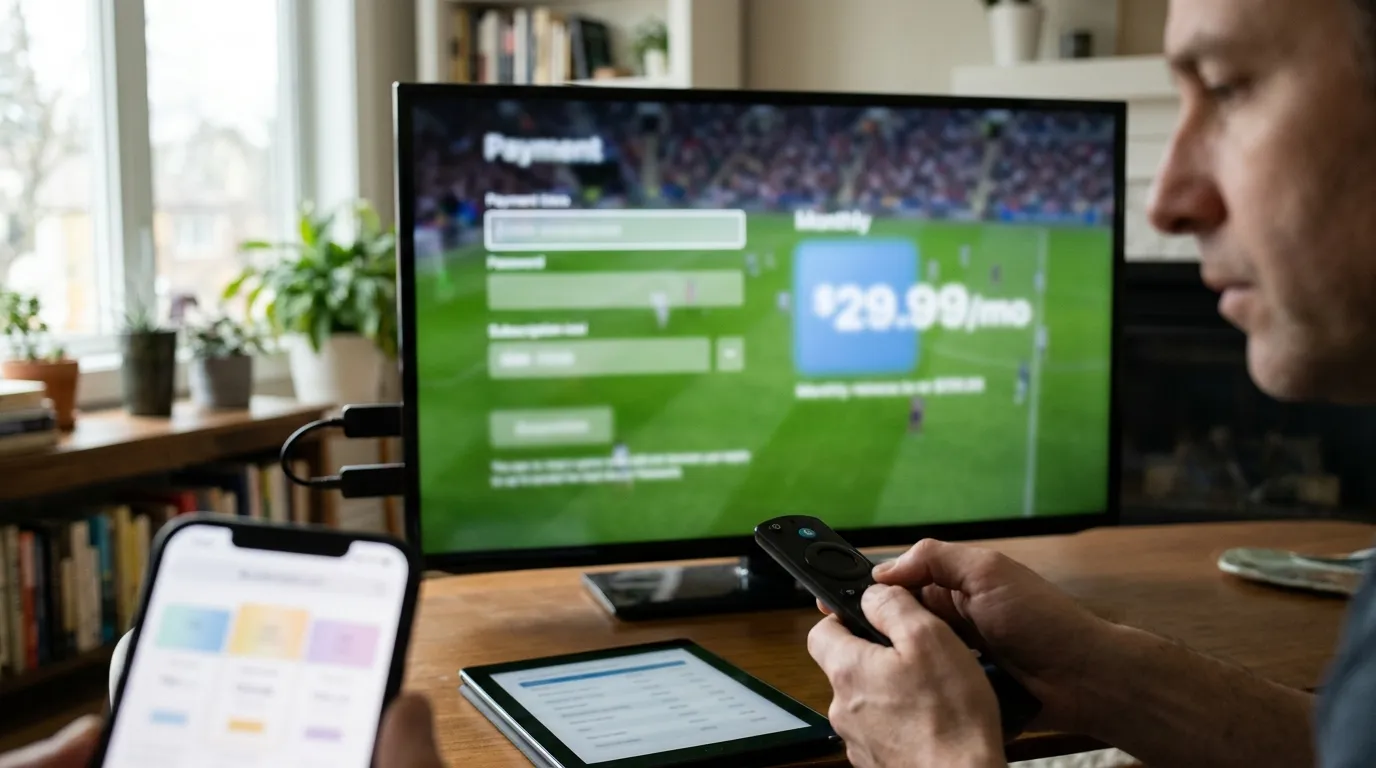
A typical OTT platform runs $8–$18 per month. Most households subscribe to two or three of them to cover sport, films, and general entertainment. That's $24–$54 per month before you've added a single live TV channel. And most of those platforms are auto-renewing subscriptions that charge your card whether you watched anything or not.
IPTV LEX pricing for a single device:
- 1 month: $12.99
- 3 months: $34.99
- 6 months: $49.99 (most popular)
- 12 months: $59.99 — roughly $5 per month
- 24 months: $99.99 — roughly $4.17 per month
None of these auto-renew. You pay once, you get the period, and you decide at the end whether to continue. That's a fundamentally different model from the subscription treadmill most OTT platforms run.
Multi-device plans scale sensibly. Two devices for 12 months costs $107.99. Three devices for 12 months is $144.99. Compare that to paying for three separate OTT accounts across a year. The maths is not close. Check the full breakdown on the iptv free trial and multi-device pages before committing to a plan.
Picture Quality: HD, FHD, and 4K Streams
Does IPTV actually deliver 4K, or is that just marketing language? With a provider that maintains proper server infrastructure, 4K is real — but your end of the connection has to hold up too.
IPTV LEX streams in HD, Full HD, and 4K depending on the channel source and your plan. The practical floor for smooth HD streaming is around 10–15 Mbps. For FHD, aim for 20–25 Mbps. True 4K streams need 40–50 Mbps minimum, and that's assuming your router is allocating bandwidth sensibly and you're not running twelve other devices simultaneously.
One specific tip from experience: if you're on a Firestick and seeing occasional freezes on HD channels, go into the Firestick's display settings and lock the output resolution to 1080p rather than leaving it on Auto. Auto resolution switching causes a brief black screen every time the stream changes bitrate, which the player sometimes misreads as a freeze. Locking it eliminates that entirely.
OTT platforms also stream in 4K, but adaptive bitrate means the quality fluctuates dynamically. You might start a film in 4K and drop to 1080p during a congested period without a notification. IPTV streams are fixed-bitrate by channel tier — you select the stream quality upfront and it stays there.
For a full walkthrough of getting the best picture out of your specific device, the iptv setup guide on the IPTV LEX blog covers every major device with step-by-step screenshots.
Free Trials and Getting Started Without Risk
The smartest way to settle the IPTV vs OTT debate for your own household is to test IPTV yourself before spending anything significant. Most OTT platforms offer a free month trial — IPTV LEX offers a 24-hour free trial that lets you load the full channel list on your actual device and see how it performs on your actual connection.
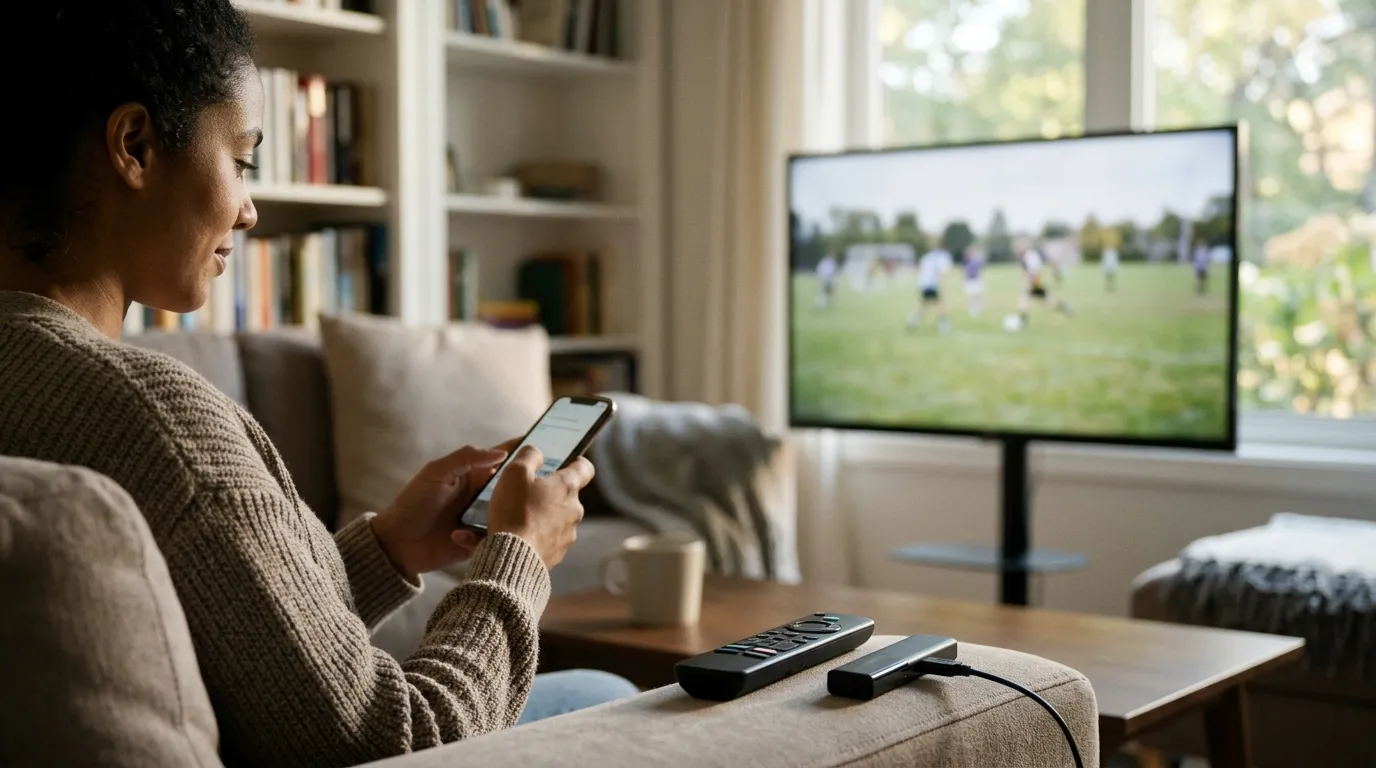
To request the trial, you submit your name, email address, and WhatsApp number on the Free Trial page. Credentials arrive quickly, and you get the full service — live channels, VOD, EPG, catch-up — for 24 hours at no cost. That's enough time to test picture quality, check the channels you care about, and run the service through a live broadcast.
What should you test during those 24 hours? A few things worth checking:
- Load a live channel from your home country and one from a country you don't usually watch — this tests the breadth of the library.
- Try the EPG and navigate forward two days — if the guide populates correctly, the data feed is healthy.
- Test catch-up on a channel that supports it — this is the feature most people don't expect to work as well as it does.
- Run a 4K stream for 20 minutes during peak evening hours on your actual Wi-Fi setup.
After the trial, iptv free trial users who convert to a paid plan can pay via credit card, cryptocurrency (USDT, BTC, ETH, SOL, LTC), gift card, or bank transfer. Login details go out immediately after payment confirmation.
Which One Should You Actually Choose?
The honest answer: most people end up using both — but not equally. OTT platforms make sense for exclusive original series that you can't get anywhere else. IPTV makes sense for everything live, everything international, and everything that OTT platforms either don't carry or charge a premium to access.
If your primary use case is live TV — sport, news, international channels, regional content — IPTV wins the iptv vs ott comparison without much contest. The channel depth, the EPG integration, the catch-up function, and the per-month cost all point the same direction.
If you mainly watch on-demand content from a single country's entertainment industry, an OTT platform built for that market might serve you well. But the moment you want live content, multi-country access, or more than one or two genres covered in a single subscription, IPTV becomes the more practical choice.
For anyone ready to test that for themselves, iptv lex is the place to start — 24-hour trial, no card required, full service access. Support runs 24/7 on WhatsApp (+44 7988 580169) and at support@iptvlex.com if anything needs troubleshooting during setup.
The iptv vs ott question doesn't have a universal answer. But for most households that want live TV, global channels, and a single subscription that doesn't auto-renew and drain the account, IPTV is the stronger choice — and the numbers back that up.
Frequently Asked Questions
Is IPTV the same as OTT?
No. IPTV delivers content through a managed IP network with dedicated infrastructure for live TV. OTT delivers video over the standard public internet, typically focusing on on-demand content. Both use internet protocols, but the network control and content focus differ significantly.
Can I use IPTV on the same devices as OTT platforms?
Yes. IPTV runs on Firestick, Android TV boxes, Smart TVs, Apple TV, iPhones, Android phones, Windows, Mac, and MAG boxes. You need a compatible player app — IPTV Smarters Pro and TiviMate are the most widely used. OTT platforms typically have their own dedicated apps for the same devices.
How much internet speed do I need for IPTV?
For HD streams, 10–15 Mbps is the practical minimum. Full HD needs 20–25 Mbps. 4K streams require 40–50 Mbps or more. These figures are for the IPTV stream alone — factor in other devices on your network when assessing your available bandwidth.
Does IPTV include on-demand content, or is it only live TV?
A full-service IPTV provider includes both. IPTV LEX carries 25,000+ live channels alongside 60,000+ movies and series available on demand. The VOD library is accessible through the same player app as the live channels.
What happens if I have a buffering problem on IPTV?
Buffering usually comes from one of three sources: your internet connection speed, your Wi-Fi signal between your router and device, or the player's buffer settings. In TiviMate, increasing the buffer size to 10–15 seconds and enabling hardware decoding fixes most cases. IPTV LEX support is available 24/7 on WhatsApp to walk through any persistent issues.
Can I try IPTV before paying for a full plan?
Yes. IPTV LEX offers a 24-hour free trial — full service access with no payment required upfront. You request it on the Free Trial page by providing your name, email, and WhatsApp number. It gives you enough time to test live channels, VOD, EPG, and picture quality on your actual setup before choosing a plan.
Not sure yet? Test IPTV LEX free for 24 hours
- Full channel + VOD access
- Credentials by email
- Works on any device